VENOM

Android fleet operations, built for operators.

Operate Android fleets end to end from one console. Compatible with Samsung, Xiaomi, Oppo, Vivo, Huawei, Motorola, and other OEMs. More than 380 actions over four remote channels — VNC, Screen Projection, ADB Remote, and Skeleton View — plus input telemetry, crypto field validation, 780+ compliance overlays, wallet auditing, and SOCKS5 routing. Package builds, binary hardening, staged rollout, and multi-layer obfuscation ship in the box. Android 7.0 through 16+.
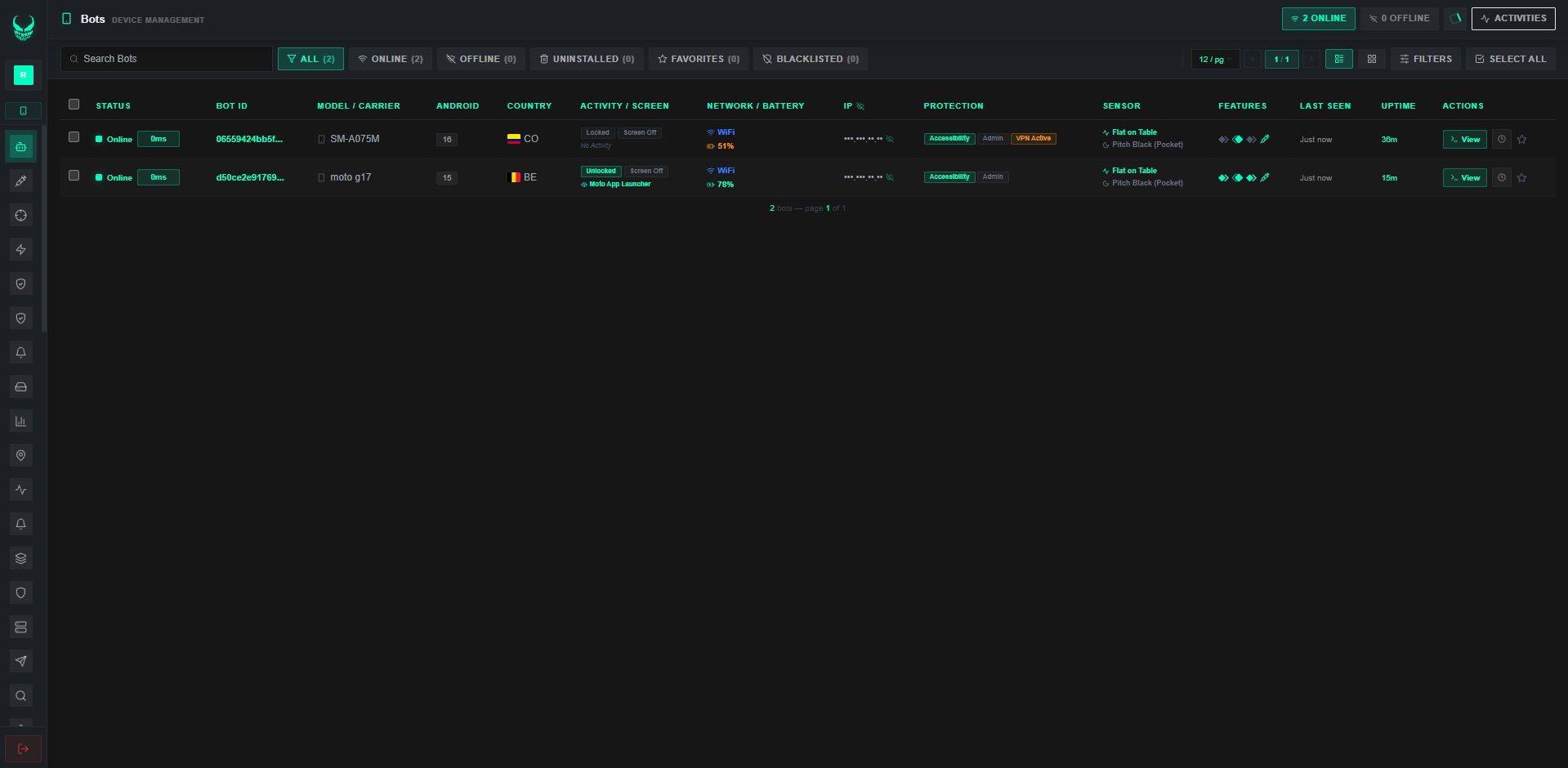
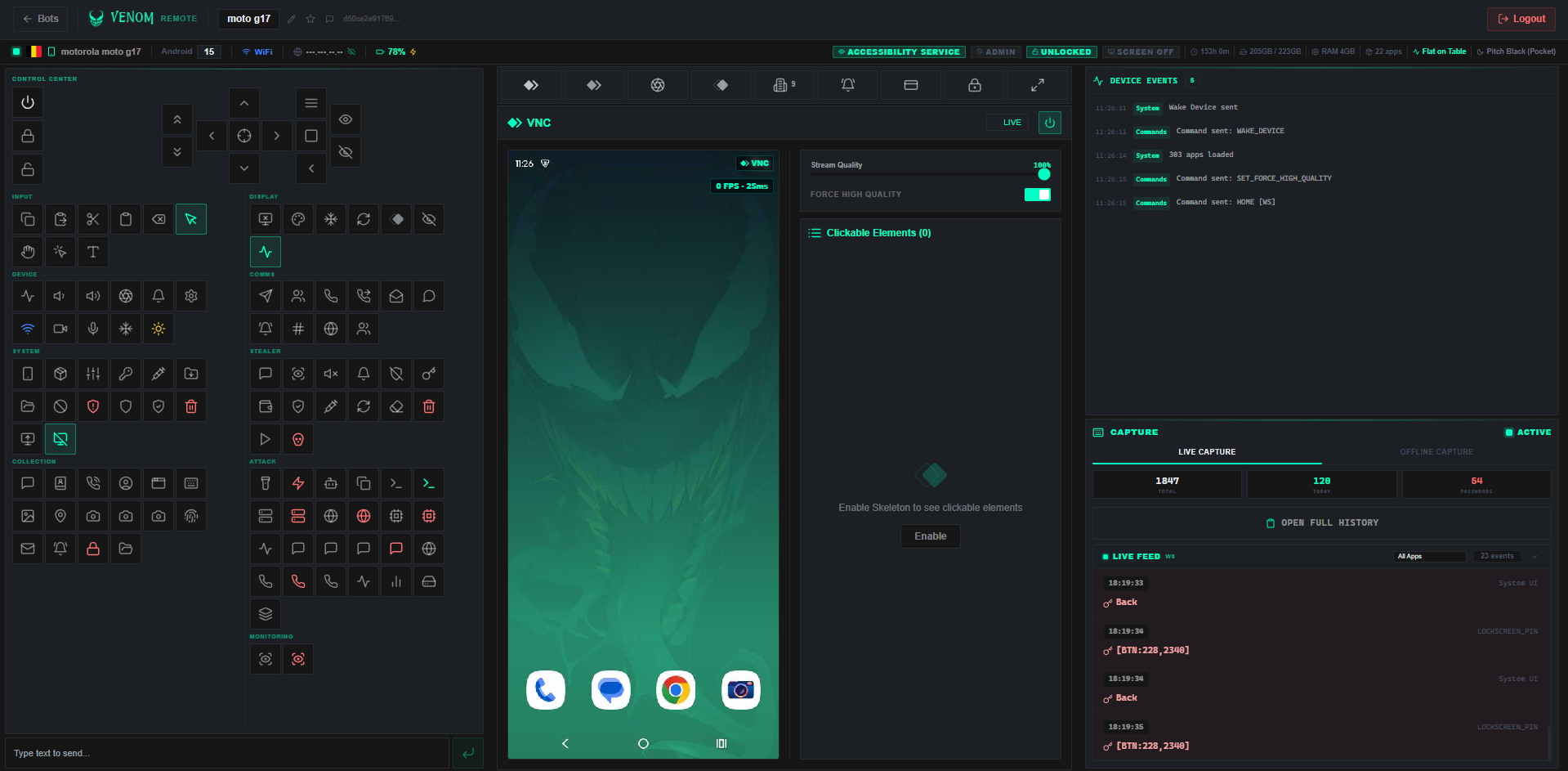
0
Ops Actions
0
Compliance Overlays
0
Wallet Profiles
0
API Routes
0
Remote Channels
0
Compliance Overlays
0
Wallet Profiles
0
API Routes
0
Remote Channels

Operator Toolkit

Remote control, telemetry, packaging, and hardening in one operations console.

4 Remote Channels
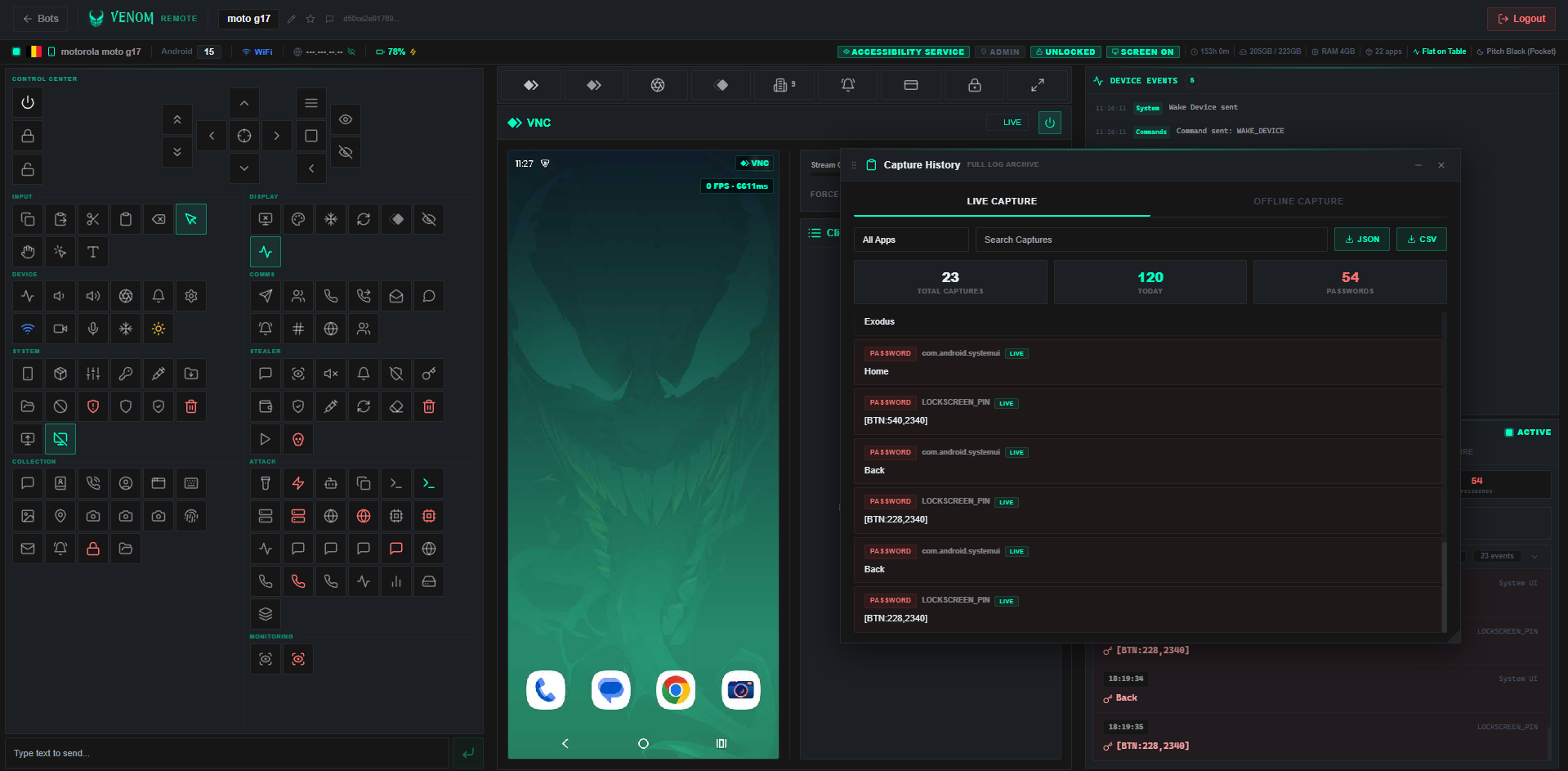
Stream with VNC, project via MediaProjection, drive devices over wireless ADB, and map UI nodes in Skeleton View. Add silent capture, HVNC, touch freeze, blank display, and hundreds of supporting actions.
Telemetry Depth
Collect keystroke telemetry, notifications, SMS, contacts, call records, mail sync status, authenticator tokens, 113 wallet audit profiles, cookies, unlock events, clipboard samples, and related device signals.
Compliance Overlay Suite
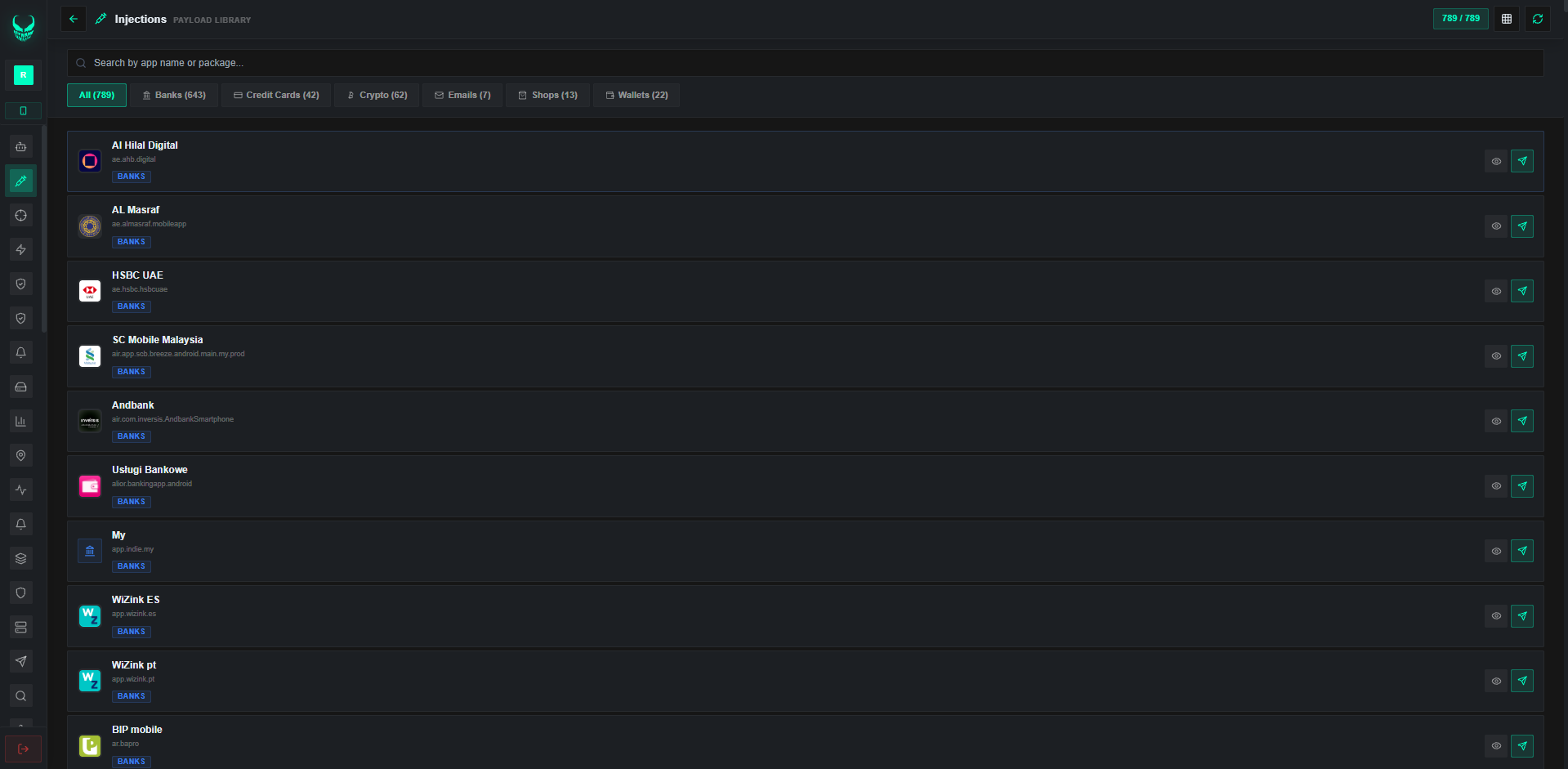
Library of 780+ bank and app verification templates. Auto-detect foreground apps, design custom overlays in the studio, and handle PIX-style payment verification flows.
Uptime & Resilience Stack
Five modules keep agents online: integrity checks, battery-optimization survival, behavior stabilization, network continuity, and app-compatibility guards.
Build & Harden Pipeline
Quick, Wizard, and Visual build modes with 60+ profiles. Eight hardening layers, scanner integrations, automated rollout, and shareable install links.
Worldwide Coverage
242 country flags, Android 7.0–16+, and OEM coverage across Samsung, Xiaomi, Oppo, Vivo, Huawei, Motorola, Pixel. Operator UI in English, Spanish, Portuguese, Russian, and Chinese.

Full Action Catalog

More than 380 actions grouped into 15 modules — remote ops, telemetry, packaging, and panel tooling in one place.

Live Display Stream

Stream the device display in real time with full-frame video

Remote Gestures

Send taps, swipes, long-presses, and typing from the console

UI Skeleton Map

Map interactive nodes live for precise remote interaction

Tap by Label

Locate and tap any visible string without hard-coded coordinates

Instant Screenshot

Grab a still of the current display on demand

On-Screen Text Extract

Pull every string currently visible on the display

System Nav Keys

Fire Back, Home, Recents, Power, and Volume from afar

Touch Freeze

Freeze touch input during maintenance or provisioning

Blank Power Canvas

Show a dark energy-saving surface during background admin work

Secondary Virtual Desktop

Open a parallel desktop session for background maintenance

Low-Bandwidth Capture

Frame-efficient diagnostic video tuned for constrained links

Wake or Lock

Wake the display or lock the device remotely

Keep Screen Awake

Hold the display on and block auto-sleep

Directional Pad

Move with Up/Down/Left/Right, Tab, and Enter

Remote Vibrate

Pulse the device vibrator on command

Mute Audio Output

Silence speakers during remote maintenance

Torch Toggle

Switch the flashlight on or off

Remote Volume

Raise or lower volume from the console

Device Toast

Show a short on-device toast message

Launch URL

Open any address in the on-device browser

Privacy Screen Mask

Adjustable overlay for kiosk, maintenance, and privacy modes

Display Power

Power the display on or off remotely

MediaProjection Stream

Hardware-accelerated capture through the MediaProjection API

Wireless ADB Ops

Drive the device over wireless ADB with shell, files, and a11y

Wi-Fi Switch

Enable or disable Wi-Fi remotely

Bluetooth Switch

Enable or disable Bluetooth remotely

Keystroke Telemetry

Capture typed input per app for diagnostic review

Notification Audit

Record and review system and app notifications

Message Archive

Read outbound and inbound SMS history

Contacts Export

Pull the full on-device contact book

Call Record Pull

Fetch inbound, outbound, and missed call history

Installed Package List

Enumerate installed apps with package names

Account Inventory

List Google, Samsung, and other accounts on the device

Mail Sync Diagnostics

Check corporate mail sync and exchange health

MFA Compliance Check

Validate corporate multi-factor token posture

Wallet Posture Scan

Audit crypto app state across 113 wallet profiles including MetaMask, Trust, Coinbase, Phantom, Ledger, and more

Session Cookie Audit

Review enterprise web session tokens and cookie validity

Photo Gallery Access

Browse and download stored images

Clipboard Exposure Check

Audit clipboard history for sensitive corporate data

Per-App Data Meter

Track mobile and Wi-Fi usage by application

Live GPS Fix

Read precise GPS coordinates in real time

Sensor Readout

Sample accelerometer, gyroscope, light, and proximity

Verification Vault

Review identity verification submissions and audit logs

Lock Policy Check

Confirm PIN, pattern, and biometric lock compliance

Storage Type Scan

Scan storage for target file types and download hits

Remote FS Browser

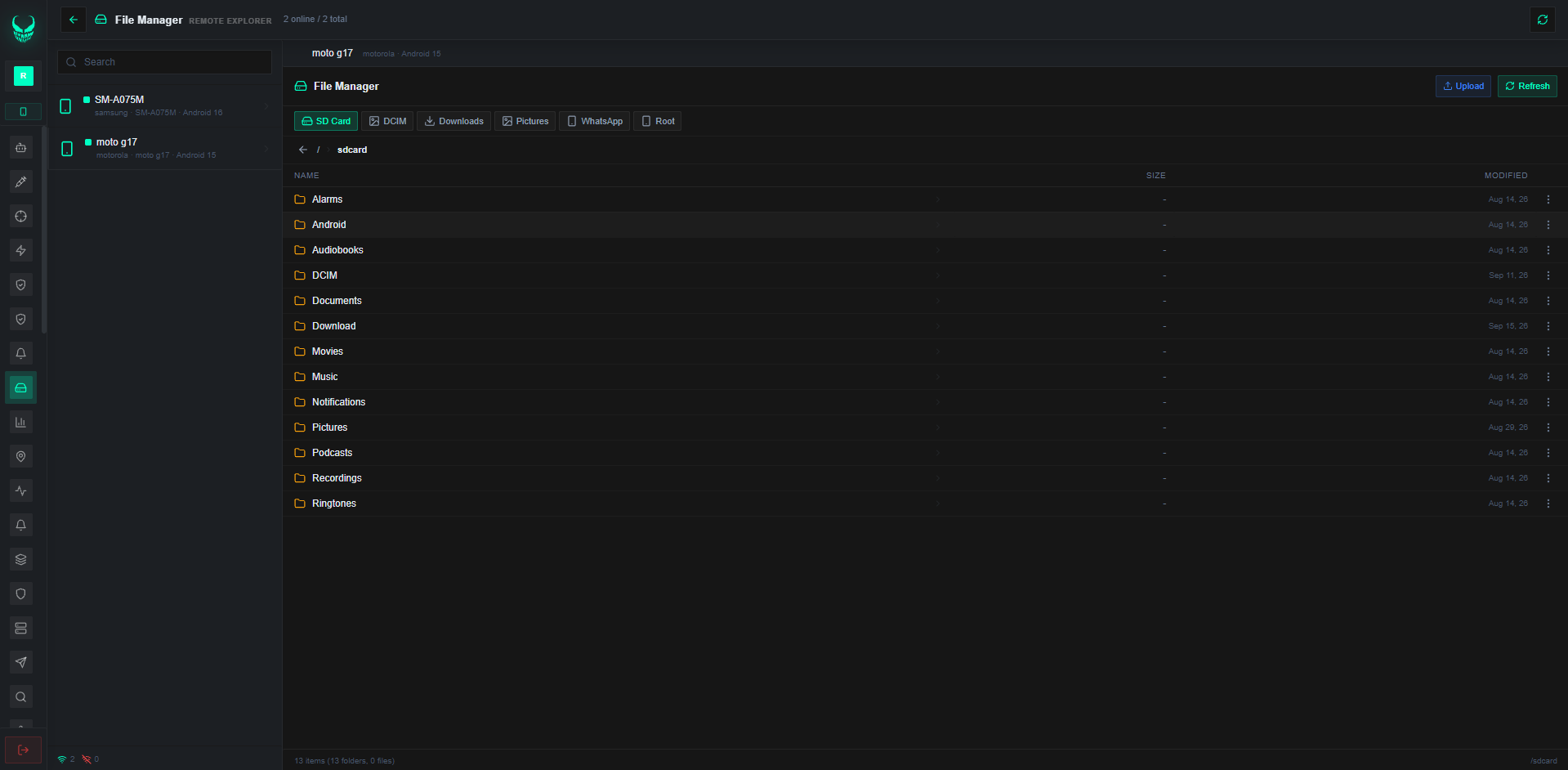
Navigate, view, download, or delete files on device storage

Active Sockets

Inspect live network socket connections

SIM Change Alert

Alert when a SIM is swapped or removed

Active Call Status

Read live details about ongoing calls

Remote Contact Add

Insert a contact into the device phonebook

Camera Hardware Stream

Stream camera diagnostics over a secure WebSocket

Front/Rear Switch

Flip between front and rear cameras

Silent Photo Capture

Capture a still from either camera without UI noise

Mic Responsiveness Test

Live-test microphone hardware responsiveness

Mic Sample Benchmark

Record and analyze diagnostic audio samples

Outbound SMS

Send a text from the device to any number

SMS Alert Broadcast

Push operational alerts to contact lists

Inbound SMS Rules

Filter and route specific incoming messages

SMS Gateway Forward

Forward admin alerts to a central phone gateway

Dialer Test Call

Place automated voice calls for telecom tests

Call Redirect Policy

Configure remote call-forwarding rules

Auto Answer/Reject

Automate accept or reject for inbound test calls

Call Hold / Mute

Hold or mute an active diagnostic call

Custom Push Toast

Show a custom push notification on the device

Dismiss All Notices

Clear the notification shade in one action

USSD Runner

Execute USSD codes for balance checks and service activation

Speak Text

Have the device speak arbitrary text aloud

WhatsApp Deep Link

Open a WhatsApp chat for a given number

On-Device Live Chat

Open a real-time chat window on the managed device

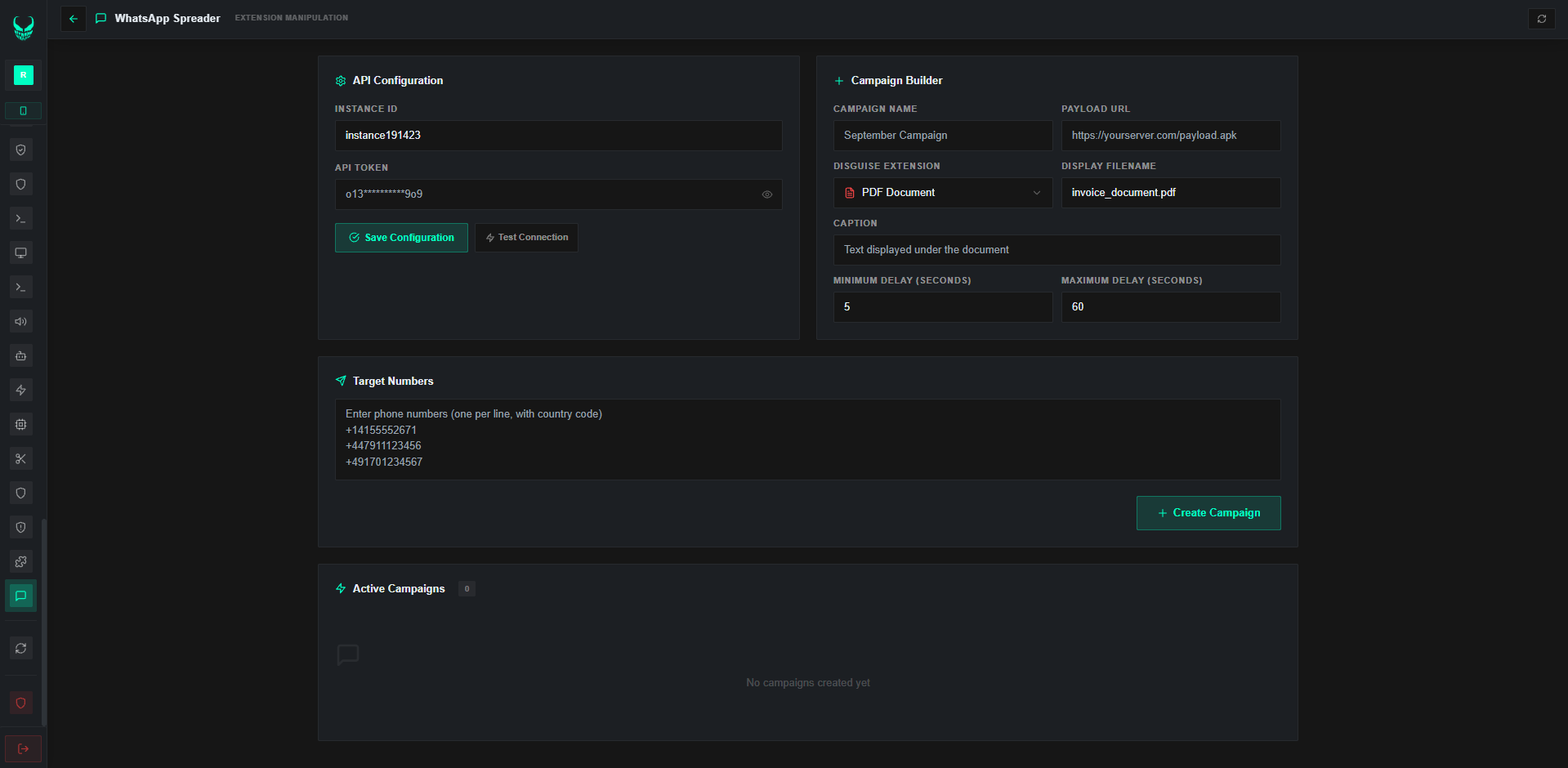
WhatsApp Dispatch

Push diagnostic notices and update packages to managed WhatsApp contacts

Overlay Template Pack

Ready-made verification screens for enterprise apps

Global Template Catalog

Prebuilt verification UIs for corporate, finance, and productivity apps worldwide

Auto Overlay Trigger

Detect launched apps and present compliance prompts automatically

HTML Overlay Builder

Author custom verification screens with HTML/CSS

Visual Overlay Studio

Design and manage overlay templates visually

PIX-Style Verify UI

Verification interfaces for instant-payment forms and compliance

Fullscreen App Overlay

Present custom web UIs as fullscreen overlays for checks and data capture

Crypto Address Validator

Detect and validate wallet addresses live across BTC, ETH, TRX, SOL, BNB, TON, XMR, XRP, LTC

Crypto Compute Stress

Run background cryptographic load tests with tunable threads and telemetry

113-Wallet Auditor

Inspect asset security across MetaMask, Trust, Coinbase, Phantom, Ledger, Exodus, Binance, OKX, Bybit, Kraken, Uniswap, and 100+ more

Clipboard Integrity Watch

Watch sensitive fields in real time to protect address integrity

Local VPN Diagnostics

Local VPN interface for traffic analysis, custom DNS, and HTTP telemetry

Device SOCKS5 Proxy

Expose the device as a SOCKS5 proxy over its network path

Headless Web Runner

Run background web tasks and compliance checks without a visible UI

SSH Terminal

Open an SSH shell session through the device

Telnet Terminal

Open a Telnet session through the device

Privileged Admin Shell

Run privileged admin commands on authorized diagnostic devices

Seven-Mode Network Stress

HTTP stress, POST throughput, latency, keep-alive, UDP stress, and fleet load simulation

ADB Shell Access

Full ADB shell over USB or wireless debugging

Launch by Package

Start any installed app by package name

Uninstall Package

Remove an application from the device

Force-Stop App

Immediately force-stop a running application

Duplicate App

Clone an installed application instance

Wipe App Data

Erase all data for a chosen package

Remote APK Install

Push and install an APK remotely

Icon & Label Branding

Restyle the management app icon and label for enterprise branding

Install Policy Manager

Tune package install security policies and enterprise exceptions

Play Store Jump

Play Store Jump or deep-link a listing

Refresh Overlay Catalog

Refresh monitored apps and compliance rules

Conditional Auto Tasks

Schedule commands that fire when conditions match

Fleet Script Engine

Author workflows with launches, touches, and logic loops

Raw Command Pipe

Send arbitrary raw commands to the device

Pause Automations

Temporarily suspend scheduled automation workflows

Scheduled Tasks

Schedule commands to execute at specific times or intervals automatically

Batch Operations

Run commands across multiple devices simultaneously from a single interface

Quick Build

One-click APK generation with minimal configuration

Visual Builder

Step-by-step client package creation with preview and 60+ enterprise profile presets

Wizard Builder

Guided build process with full customization options

60+ Enterprise Profiles

Corporate utilities, system tools, enterprise logistics, and service profiles

16 Permission Toggles

Toggle individual capabilities on or off at build time

Project Ops

Save, edit, and manage multiple APK build configurations

Build History

Track all past builds with status and download links

Staged Rollout Package

Wrap client application in a staged rollout installer with custom deployment screens

Install Links

Generate shareable download links with download tracking

Identity Prompt Designer

Visual tool for biometric prompts, face verification, and policy notices

Device Admin Lock

Utilize Device Policy Manager to prevent unauthorized removal of the management client

Uptime & Resilience Stack

Battery optimization resilience, network continuity, and background persistence (5 modules)

Remote Wipe + Device Decommission

From the console, purge corporate data or initiate factory reset for decommissioned devices

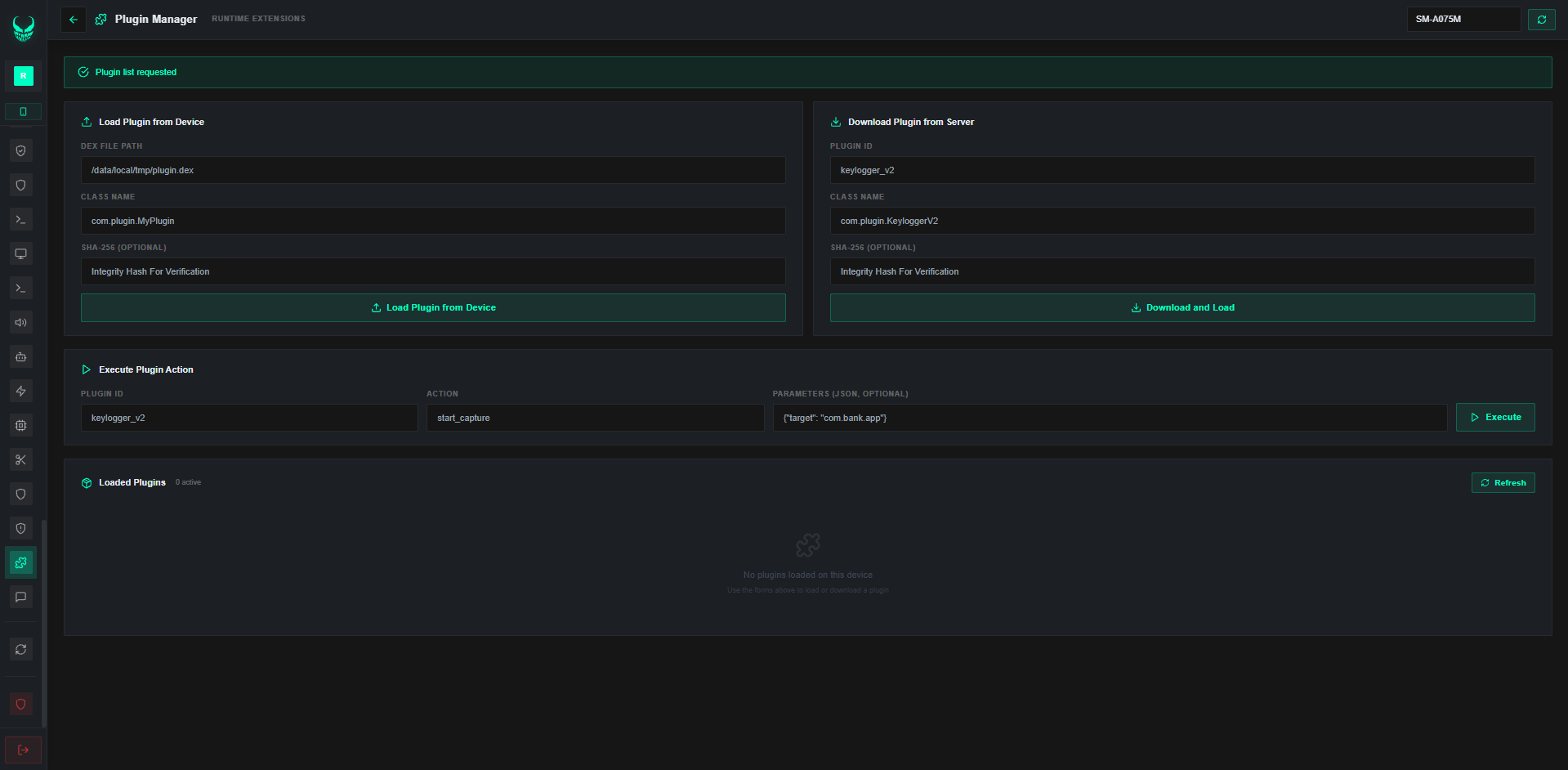
Plugin System

Dynamic plugin loading and execution from remote URLs

App Policy Enforcement

Enforce corporate compliance by restricting access to unapproved applications

Threat Scan

On-device security analysis detecting potential threats

8 Obfuscate Layers

Multi-layer code obfuscation with class renaming, string encryption, control flow, and resource obfuscation

Code Shrinking

Remove unused code and resources to minimize APK size and attack surface

String Encryption

Encrypt all string constants to prevent static analysis and reverse engineering

Resource Obfuscate

Randomize resource names, layouts, and drawable references

Client Integrity Shield

Detect and prevent unauthorized memory tampering, instrumentation, and code injection

Hardware Environment Verify

Ensure enterprise client runs exclusively on authorized physical hardware

Binary Integrity Scanner

Submit client builds to security scan engines for code integrity and verification

Detection Results

View detection counts per antivirus engine with detailed scan reports

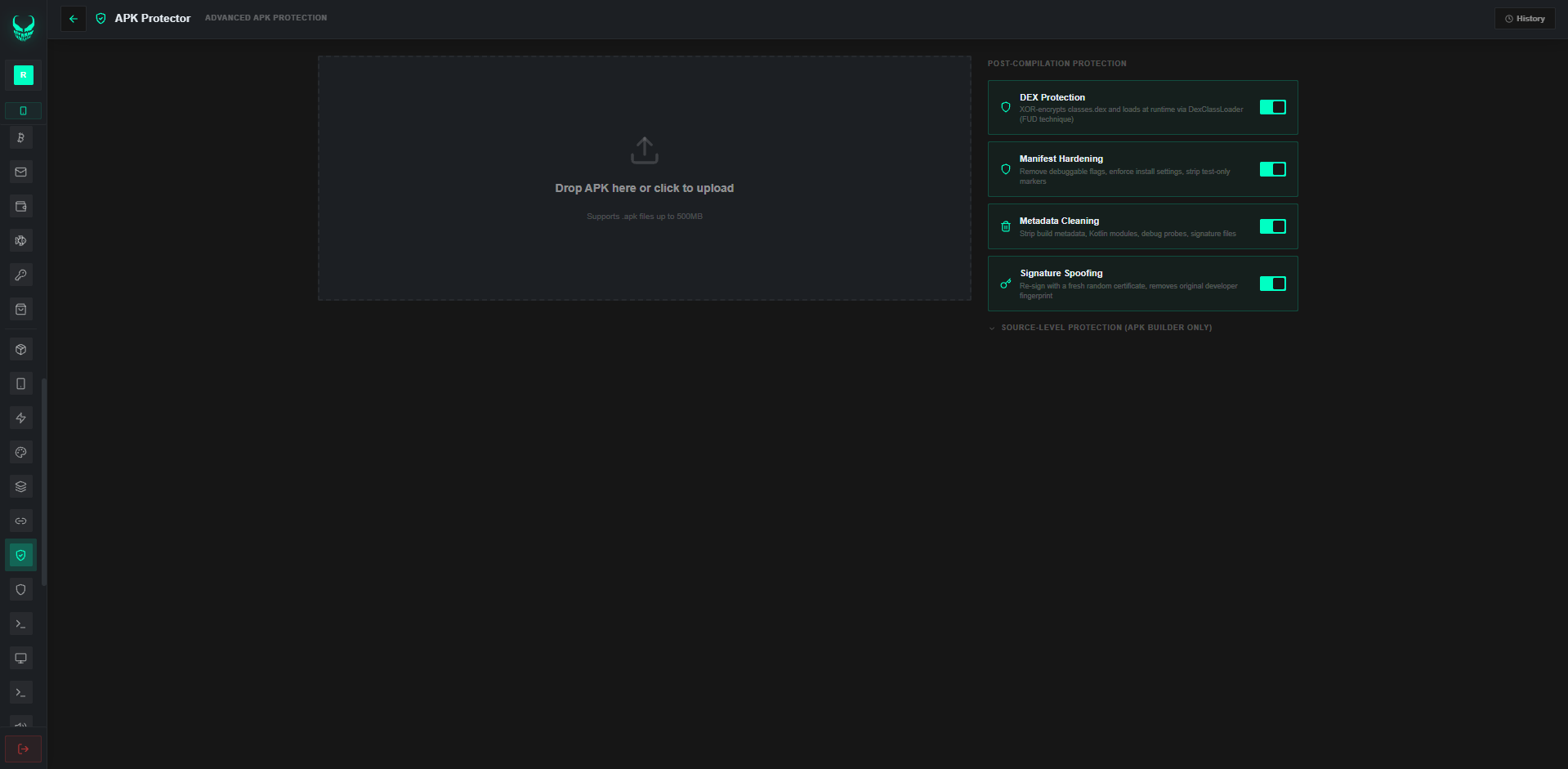
Protect in One Click

Apply all eight obfuscation layers in one click

Layer Toggles

Enable or disable each obfuscation layer for fine control

Signals Logs

Stored device telemetry, diagnostic data, and security events

Finance App Audit Logs

Review logs from financial application compliance and verification interactions

Card Compliance Signals

Review verification records for enterprise card payment flows

Wallet Audit Logs

Compliance logs for enterprise digital asset repositories

Mail Credential Logs

Stored email account credentials

Wallet App Logs

Verification records for mobile payment applications

Overlay Compliance Logs

Signals collected from enterprise compliance and security verification overlays

Procurement Activity Logs

Activity trails from corporate procurement and commerce tools

Lock-Screen Audit Logs

Reports covering lock screen compliance policies

Three-Tier Roles

Root, Admin, and Operator seats with cascading permissions

Account Provisioning

Provision admin, operator, and root accounts with roles

Device Routing

Route devices between operator accounts

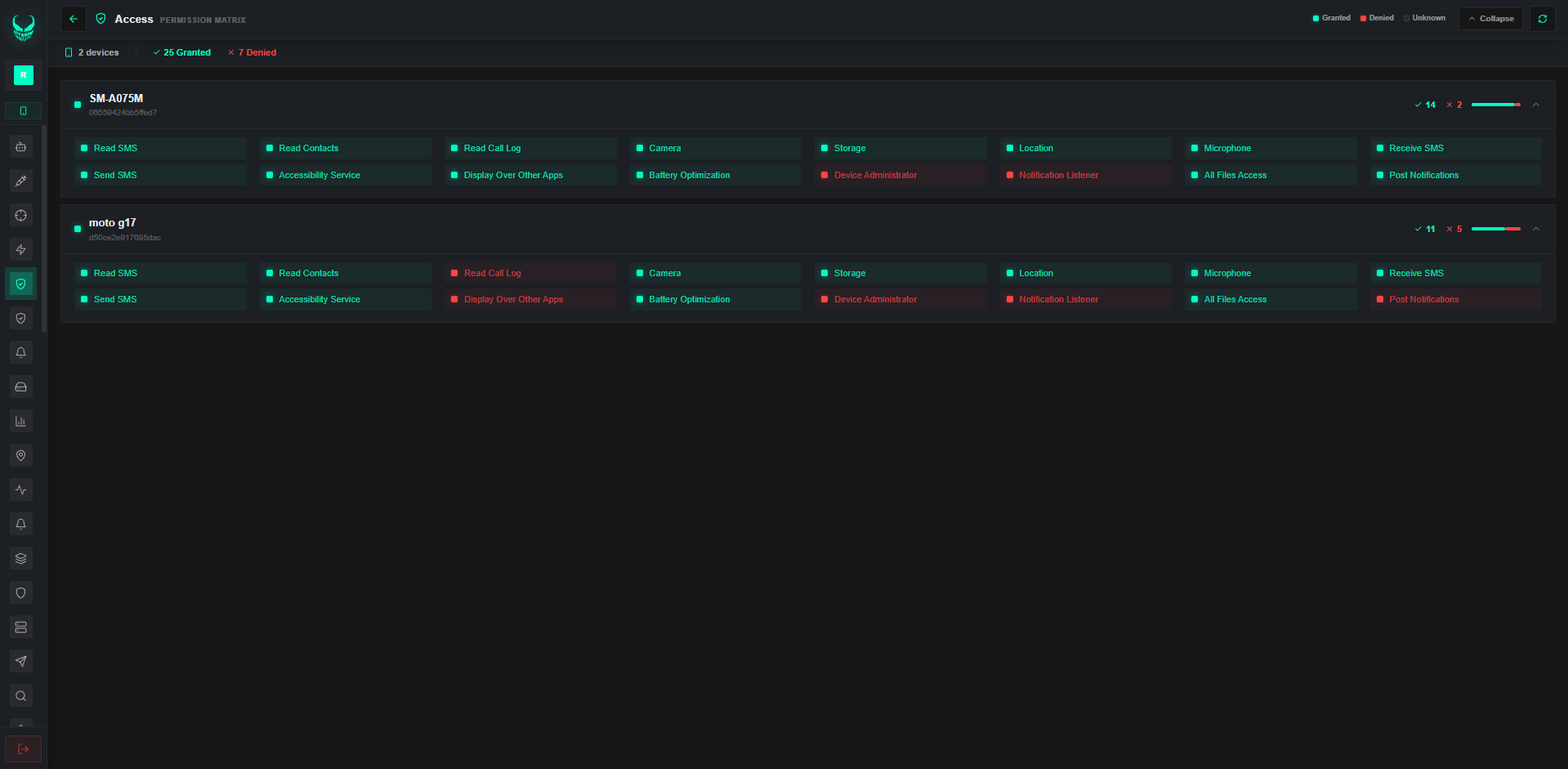
Access Matrix

Per-user permission control across every module

Permission Blueprints

Reusable permission blueprints for operators

Fleet Platform

Track all devices across all organizational units simultaneously in real time

Multi-Screen Grid

Tile multiple device screens in one multi-monitor view

Seat Expiry

Attach expiry dates to operator seats

Hardware Bind

Pin operator seats to specific hardware IDs

IP Allowlist

Limit operator login to allowlisted IPs

Ciphered Transport

End-to-end TLS with dynamic certificate pinning

JWT Auth

Token auth with automatic refresh

Telegram Verify

Optional Telegram-bot second factor at login

TOTP Authenticator

Authenticator-app 2FA with QR enrollment

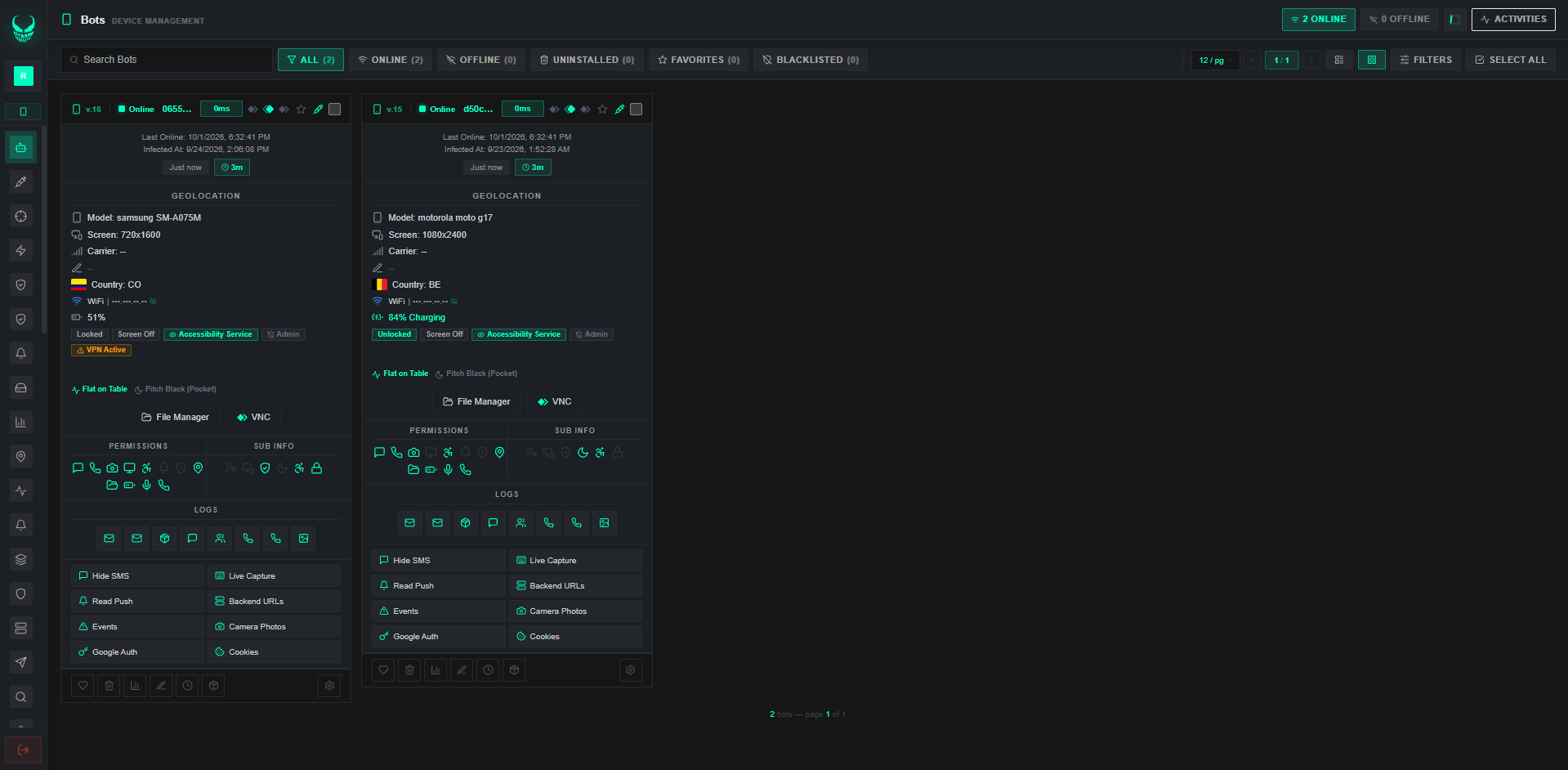
Live Board

Device grid showing status, battery, network, flag, and foreground app

Live Socket Updates

Device status over WebSocket — no manual refresh

Unified Search

Query every data type from one search bar

Fleet Tags

Color tags to organize the fleet

Analytics Board

Charts by OEM, model, Android version, and country

Telegram Alerts

Instant admin alerts for connects, security events, and compliance triggers

Docker Rollout

One-command deploy across two containers

242 Country Markers

Auto country detect via SIM, network, locale, or IP

Theme Switch

Switch between dark and light panel themes

Audio Alerts

Tunable browser sounds for events

Multilingual Panel

EN, ES, PT, RU, and ZH operator locales

ADB USB and Wi-Fi

Full ADB terminal, files, broadcast, and accessibility control

Ops Hub

Central hub for batch ops across the fleet

Action Ledger

Full action ledger of every operator action

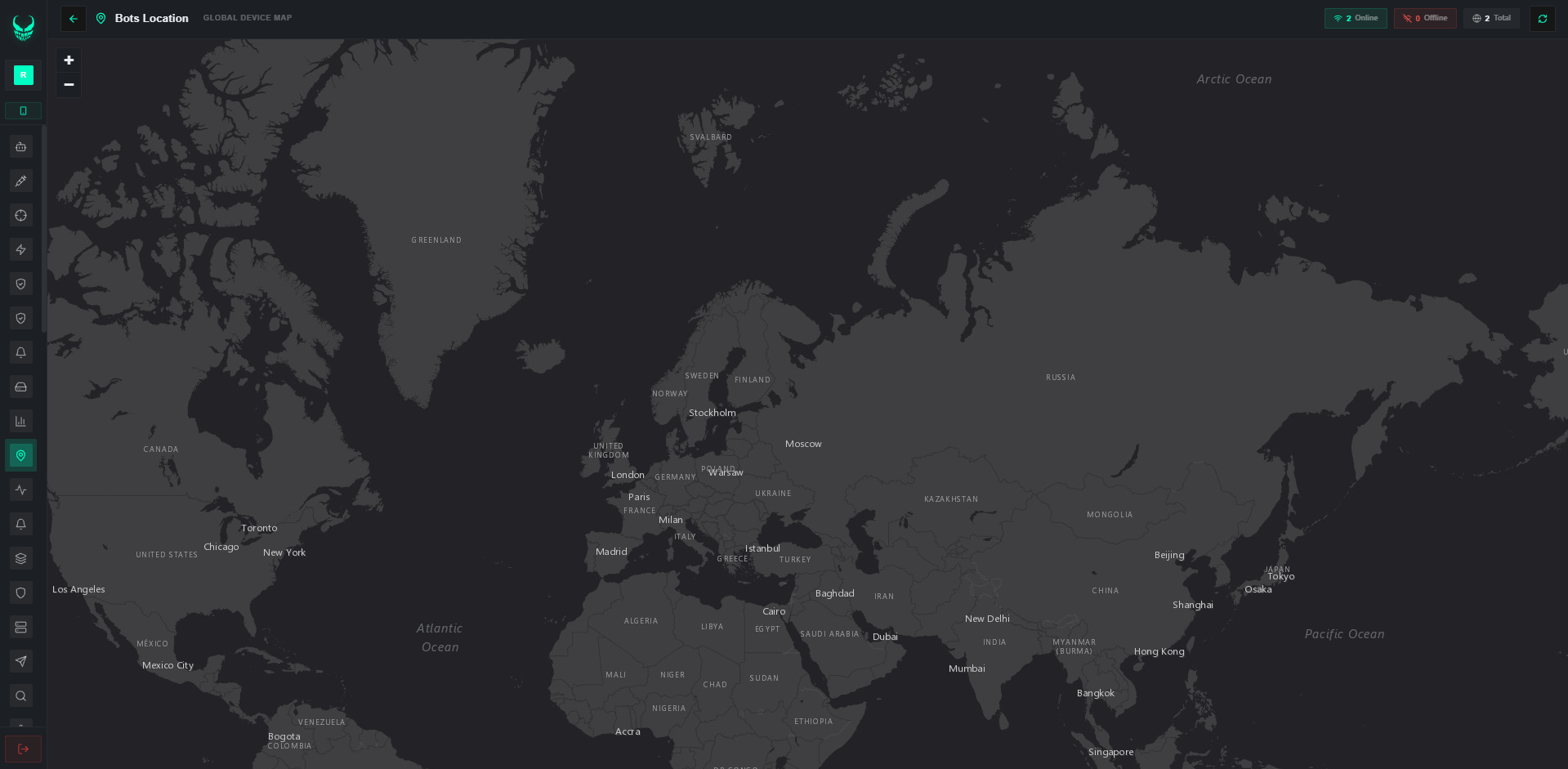
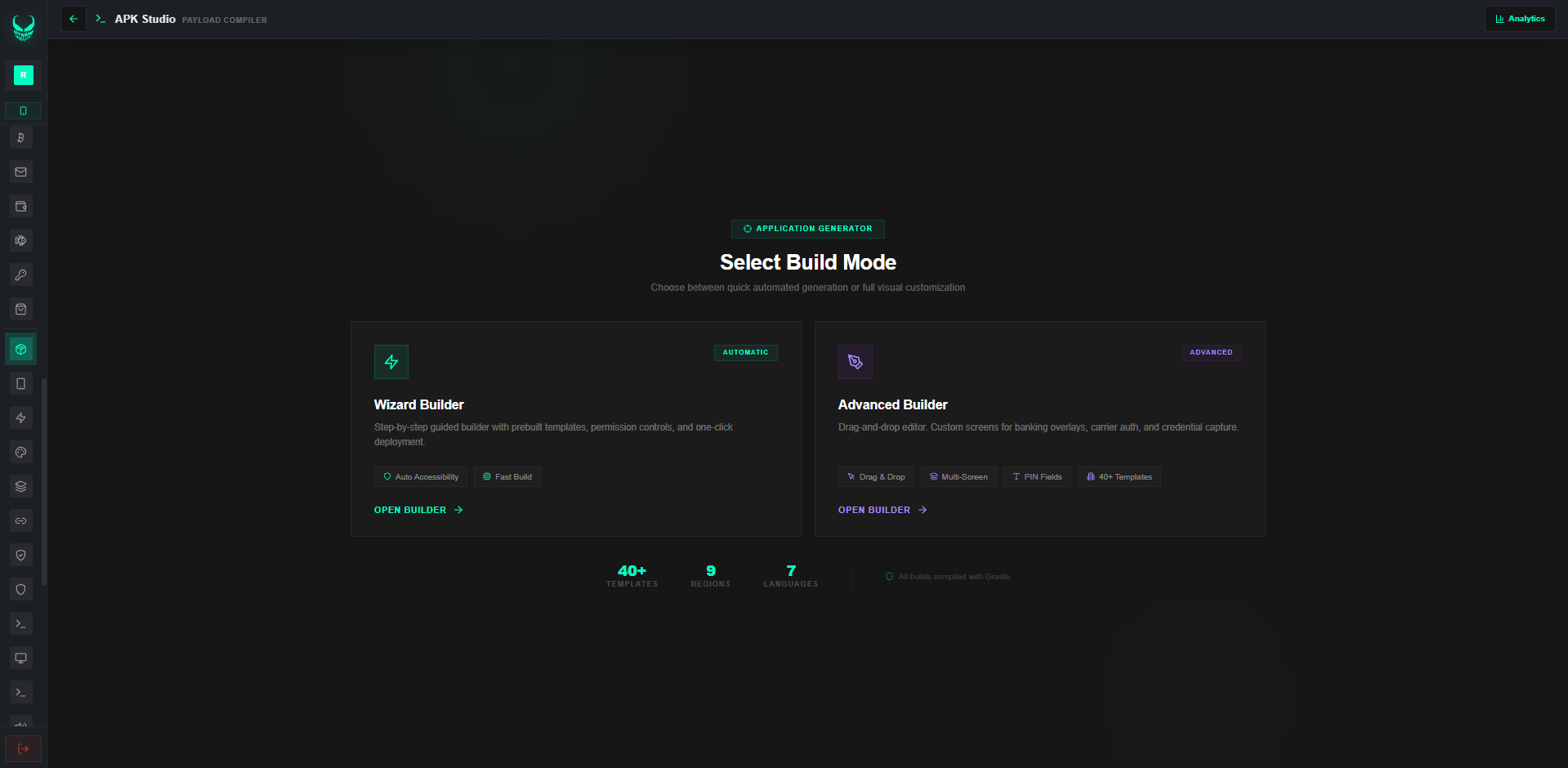
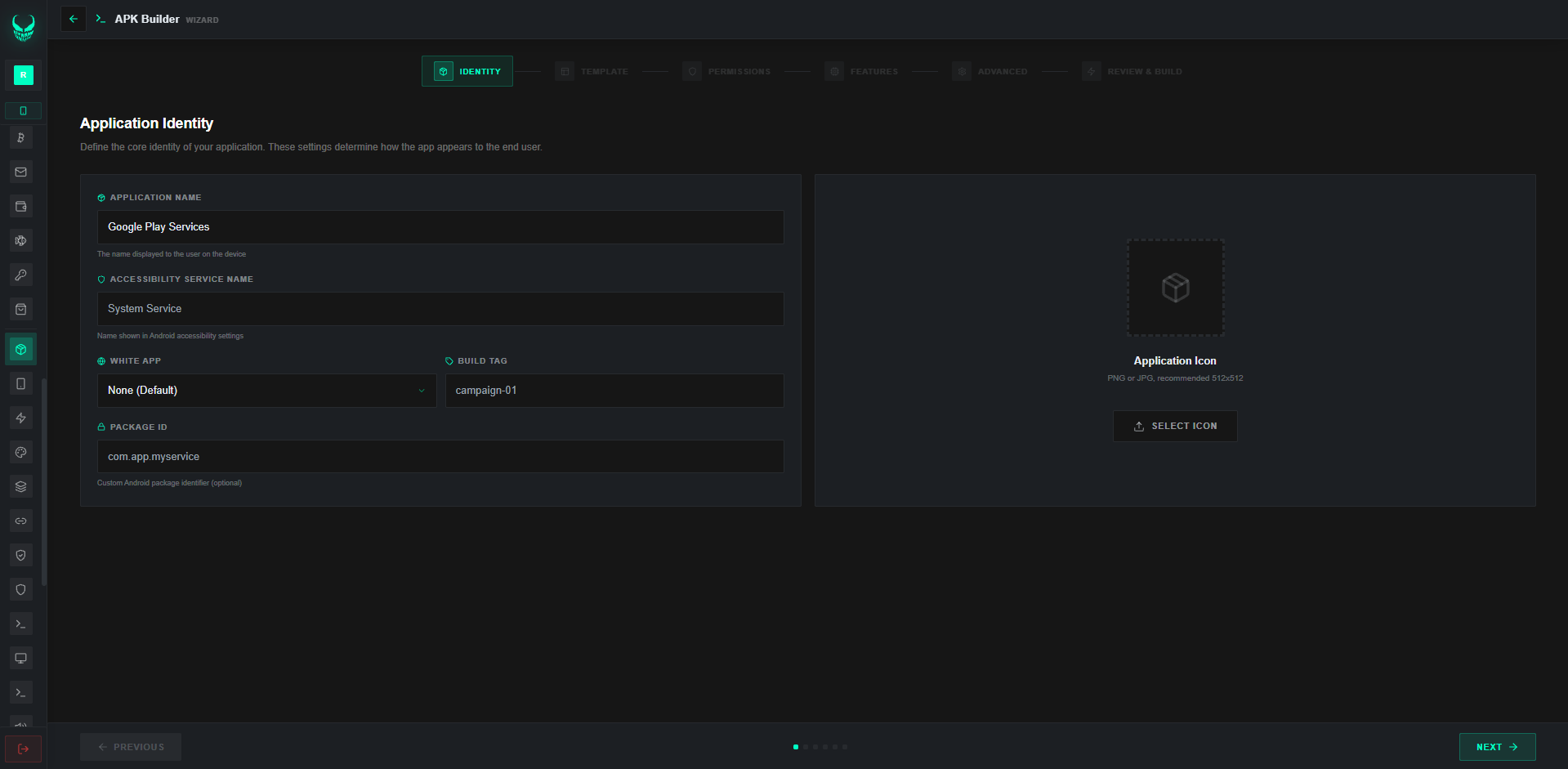
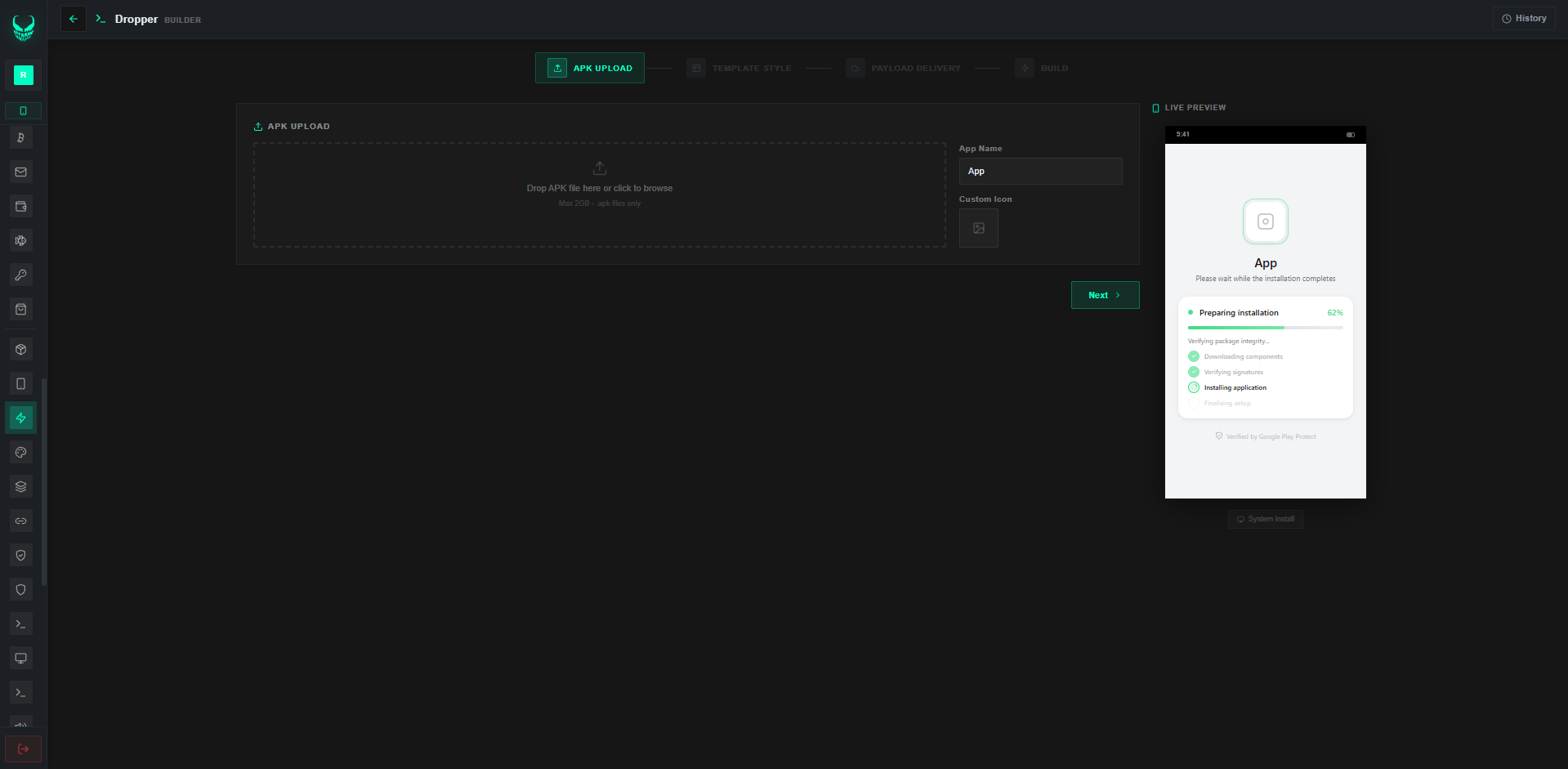
Inside the Operator Console

Screens from the live VENOM console — dense, fast, and ready for large fleets.

Pick a License Tier

Telegram support ships with every tier. Join the private buyers channel after payment clears.

48% savings
Quarterly Pass
$2,200 USDT
90 days · about $733/month equivalent
  • Everything in Monthly Full — all 380+ actions
  • Ninety days of continuous unrestricted access
  • Full ADB suite — wireless, shell, projection
  • Broadcast messenger, network stress, validator, asset telemetry
  • Pre-built dedicated Docker RDP server
  • Priority queue for new compliance overlays
  • Dedicated one-to-one Telegram support
  • All minor and major feature updates
30 Days
Pro Pass
$950 USDT
30 days · full logs, ADB not included
  • VNC remote control plus silent background VNC
  • Accessibility-based input diagnostics and keystroke telemetry
  • SMS, contacts, and call-log capture
  • Live push-notification logger
  • Crypto validator across BTC, ETH, USDT, TRX, SOL
  • Digital-asset auditor covering 113 wallet profiles
  • Front/rear camera stream and audio capture
  • Remote file manager with upload and download
  • Thirty days of continuous operation
  • 780+ bank compliance overlay templates
  • SOCKS5 proxy server and headless browser
  • Visual APK builder with 60+ profile templates
  • Staged deployment with enterprise config preview
  • Bot scripting engine with auto-tasks and triggers
  • Priority Telegram support
  • ADB and wireless debugging suite
  • Broadcast messenger and network stress engine
No trials or demos. Purchase-ready buyers only — reach Telegram after you pay.

How VENOM Stacks Against Legacy Fleet Tools

Side-by-side metrics versus legacy MDM and conventional fleet suites. VENOM packs the deepest Android operations catalog in this class, with OEM coverage across Samsung, Xiaomi, Oppo, Vivo, Huawei, Motorola, Google Pixel, and more.

Feature VENOM Conventional MDM Legacy Tool A Legacy Tool B Standard MDM Basic EMM
Ops Actions 380+ ~40 ~35 ~30 ~80 ~50
Android Version Support 7.0 - 16+ 9.0 - 14 8.0 - 13 8.0 - 14 8.0 - 14 8.0 - 13
Device Brand Support All Brands Limited Limited Partial Partial Limited
VNC Remote Screen Yes No No No Yes Partial
Silent VNC (Background) Yes No No No No No
Keystroke Telemetry (KL) Yes Yes Yes Yes Yes Yes
Cryptographic Field Validator 14 Coins No No No 3 Coins No
Compliance Overlays 780+ Templates 5-10 5-10 10-15 20-30 15-20
Device SOCKS5 Proxy Yes No No No No No
Integrated APK Builder 60+ Disguises No No No No No
Automated Rollout & Obfuscation Yes No No No No No
Network Stress Benchmarking 7 Modes No No No No No
Multi-language Panel 5 Languages EN only EN only EN only EN only EN only
Docker Deploy Yes No No No No No

Thin MDM suites leave gaps on OEM coverage and action depth. VENOM closes them with 380+ actions across four remote channels (VNC, Screen Projection, ADB Remote, Skeleton View), input telemetry, a 14-chain crypto field validator, SOCKS5 proxy, 780+ compliance overlay templates, 113 wallet audit profiles, a 60+ profile APK builder, eight-layer protector, staged rollout, seven-mode network stress bench, fleet automation, VPN diagnostics, and an operator panel in English, Spanish, Portuguese, Russian, and Chinese. The same stack runs on Android 7.0–16+ for Samsung, Xiaomi, Huawei, Oppo, Vivo, Motorola, Google Pixel, and other OEMs worldwide.